
7 AI Quick Wins for Small Businesses You Can Set Up This Week

Kaiyan Ali
Founder at Montaj Digital

Kaiyan Ali
Founder at Montaj Digital
I'm Kaiyan, founder of Montaj Digital. I help professional service firms put AI and automation to work, so their people spend less time on admin and more on the work only humans can do. I've trained 250+ professionals at our AI Week, and I'm on a mission to help a million service firms do the same.
Follow me for more contentThis was the opening session of our AI Week. I run Montaj Digital, an AI and automation implementation agency: we go into service businesses and help them buy back their time and make more money, cutting admin and amplifying the team with systems, automations and AI. The one thing I keep hearing is that there's so much information out there and it's overwhelming. So this session was seven things you can take away and set up in your own business this week. None needs technical skill, a developer or expensive software, and most use free or very affordable tools.
Why quick wins beat an AI strategy
McKinsey's data shows more than 50% of the recurring admin most people do is automatable with tools that already exist. Our own research puts the average knowledge worker at around 15 hours a week on admin: chasing emails, filling in spreadsheets, moving information from one place to another. That's over 37% of the week gone on work that doesn't win clients or make a sale.
It isn't really a productivity issue; it's a systems and margin issue. Pay someone £50,000 and, once you add pensions, benefits and tax, you're closer to £65,000. Lose a third of their week to admin and you're spending 125% of a salary for 62.5% of the output. I'm not saying fire anyone: build systems that amplify your team instead. The businesses getting this right aren't cutting staff; they're getting two to five times the revenue per head, and that goes straight to margin.
Picture a marketing agency pod: a manager, an account manager, a designer and a media buyer, handling 20 clients. Win the 21st and you either push the team to burnout or overhire a whole new pod for a quarter of the workload. Give each person an AI assistant instead and, conservatively, the same team carries three times the clients. That's an amplified team, not a replaced one. As you read, keep asking what one thing you could set up this week.
After AI Week, Johnny Harvey, General Manager of Sópers House, said: "I'm a self-declared AI novice. He took a subject that is quite in-depth and brought it to life with real-world, practical solutions. My key takeaway is to book a meeting with Montaj Digital."
Win 1: Record and transcribe every meeting
I have done this for over two years and I couldn't go back. The tool is the easy part: the big platforms are pushing it now. What matters is how you use it.
For video calls I use Fathom. It's free, it joins every Zoom, Google Meet and Teams call and transcribes word for word. For in-person meetings there's an app on my phone called Easy Recorder: press start, it records, press transcribe, and I drop the transcript into my documents (Apple / Android).
The value isn't the notes. It's that I now have a searchable record of every conversation I've ever had with every client, prospect and team member, living in the cloud. I take all my sales-call transcripts, pull out the pain points prospects keep raising, and make content that pre-empts them on the next call. I can list every action item and draft a follow-up, or ask what I said in a meeting I need to pick back up. This is the foundation the later wins compound from.
Win 2: Dictate to your AI and stop typing
The biggest friction point with AI is the input. Most people type a rushed two-line prompt, get a mediocre answer, and blame the model. The problem is almost always the input. So I talk to my AI rather than type to it.
You speak about three times faster than you write, and out loud you naturally add context and little details you'd never bother to type. I'll press start and say, "I've just come out of a meeting with this client, they told me this, and by the way last week they mentioned that, here's what I'm trying to achieve," and it works out what I need. Better input, dramatically better output, because every model is only as good as the information you give it.
My preferred tool is Wispr Flow, because the dictation works across every device, but most everyday models are building this in anyway, so you may not even need a separate tool. Just try it this week and see how much better the output is.
Win 3: Connect your email to your AI
Email is the bane of most people's day: replying to clients, keeping the team on track, hunting for things. So connect your large language model to it. In Claude, or whichever model you use, go to settings, then integrations, and connect your Google or Microsoft account. You can do the same with Slack or any other communication tool.
The bigger use is mining the archive. Point your AI at the last few years of your inbox and ask it to surface prospects you spoke to years ago who were interested, or businesses that were startups then and are worth re-engaging now. That has worked really well for our clients in recruitment. Don't worry about security: it only ever drafts, so nothing sends without you reviewing it. When I was hiring recently, I ran a candidate spreadsheet through Claude, told it the message I wanted each person to get, and had 30 personalised emails in my drafts within two minutes, because the data was cleanly organised.
Win 4: Set up reusable projects
In my opinion this is the one that unlocks the most productivity. Every AI tool now has a projects feature, and it lets you build silos for each part of your business so you aren't restarting and re-explaining your context every single time. People assume the model already knows their business. It doesn't.
Tell a project "this is the context for our business, these are the instructions, here's the knowledge," and it links your answer to your actual use case. It stores the history too, so it builds on what you did last time. Here are the five projects I'd build first:
- The business master (or business brain). An overview of you and the company, your tone of voice, your team structure and what you stand for. Everything else inherits from this.
- Operations. Your checklists, onboarding and process documents: every procedure that makes the business tick.
- Marketing. Your content, campaigns and social posts, so it knows what has worked and sounds more like you.
- Sales. A deep understanding of your ideal customer, your team and your business, pre-loaded with call prep and case studies.
- One project per client. Every email, report and proposal produced inside it, so you can always pick up where you left off.
How projects nest inside your workspace
Project hierarchy.
Tier 01 · Company
Business Master Project
Company-wide context.
Tier 02 · Department
Sales Project
Department context.
Tier 02 · Department
Marketing Project
Department context.
Tier 02 · Department
Operations Project
Department context.
per active engagement
Tier 03 · Client
Client Project
One per active client.
Give each project a system prompt (a short set of standing instructions): your name, your business and location, and preferences like "always write in British English, lead with the outcome not the process, and if my request is vague ask me clarifying questions before you start." One underused tip: build your documents in Word or Google Docs, then save them as markdown. Markdown is the language these models read most cleanly. Handing an AI a PDF is like ordering a coffee in broken Spanish; a markdown file is like speaking it fluently. And treat every AI like a keen junior employee: capable and fast, but a junior, so it needs context and guardrails.
Win 5: Pull prompting, not push prompting
What most people do is push prompting: "write me a proposal for a new client, here's the context." The model guesses the service and the tone and hands you a generic, templated answer. That's like navigating with a paper map: you're telling the AI how to get there.
Pull prompting flips it. You add one line: "I need to write a proposal for a new client. Before you start, ask me any clarifying questions you need to do this well." Now it interviews you, one question at a time, and you answer inside the chat, ideally by voice. You're giving it the context instead of making it guess. It's a bit like using Waze: here's where I want to go, tell me the fastest route, and tell me if I forgot to give you something. If you learn one thing from the session, learn this.
Win 6: Turn your knowledge base into assets
Follow the first few wins and something quietly builds up. If you're recording every meeting, connecting your email and setting up projects, you'll realise your business is sitting on an enormous amount of value, and most of it's doing nothing. So turn it into assets: social media posts, FAQ videos, website pages and decks. Write SOPs describing how you actually work, and turn documents into training for a new starter.
Then drop it all into NotebookLM for interactive training your team can query directly. NotebookLM is free, and alongside Wispr Flow it has been one of my biggest unlocks in the last couple of years. The knowledge was always there: this is how it starts compounding instead of walking out the door.
Win 7: Build your own personal assistant
Even if you have a personal assistant, or you are one, this will multiply your output. Every morning, a workflow runs so I can sit with my coffee and be ready for the whole day without doing any prep myself. My Claude is plugged into Notion for project management, Slack for team communication, Gmail for clients, Fathom for every recorded meeting, and Google Drive for our files, plus a system prompt with my instructions.
At 7am a scheduled task fires and, before anyone opens a laptop, it reads my emails, Notion tasks, Fathom calls and Slack messages and synthesises them into a structured briefing. It won't start off perfectly. You'll adjust the system prompt based on how the data comes back. This only works if your data is structured, with your files and communications bucketed in one place and some discipline about how you communicate.
From quick wins to systems
Quick wins are the start; systems are what take you to scale. To turn a quick win into a system, pick a high-value process, map it as a flowchart with every handoff marked, run weekly feedback loops, track the numbers, and scale what works.
That's how I bought back around 16 hours a week from my media buyer. Every Tuesday she pulled 10 metrics from each client account by hand, typed them into a spreadsheet, wrote a report against last week and drafted the client email. I built an automation that reads our client accounts, checks Google and Meta for live campaigns and pulls the metrics, because moving data from A to B is something machines do better than we do. What took 8 to 16 hours now takes about 30 minutes of me checking the output, and that capacity went back onto more clients.
Final words
None of these seven land if your data is a mess, so fix that foundation first, and remember the tools are a keen junior that needs direction, not magic. Get those two things right and the wins stack on each other. Start with the one thing you can set up this week (ideally the task that annoys you the most), then let the systems compound from there.
If you want to know which win your business is ready for, book a free AI audit: we take your real workflows and hand you a prioritised next step. From here, the natural next reads are the AI toolkit session, how to map your workflows, why AI isn't optional anymore, and how to become an AI-first company.
Got Any Questions? We have the answers.
If your question is not answered here, book a FREE AI readiness call and we can discuss it in detail.
Start with small, repeatable admin, not a grand plan. The seven quick wins from the workshop are: record and transcribe every meeting, dictate to your AI instead of typing, connect your email so you can search and draft in seconds, set up reusable projects that hold your context, use pull prompting, turn your knowledge base into assets like SOPs and training, and build a personal assistant that briefs you each morning. Each takes minutes to set up and needs no technical skill.


Learn with our resources
Stay informed with Our Latest InSights
Why Your Paid Ads Aren't Working: 5 Reasons They Fail for Financial Services Firms
If you've run paid ads for your financial services firm and they didn't land, the ads probably weren't the problem. Most agencies treat a firm closing £20k to £100k engagements like an e-commerce brand selling a £50 product, so they target the wrong way, send traffic to the wrong place, and report on numbers that don't matter. Here are the five reasons paid ads fail for regulated, high-ticket firms, and the fix for each: your creative is now your targeting, cold traffic needs a lead capture not a homepage, follow-up has to happen in minutes, a safe offer is an invisible one, and vanity metrics hide where your system is actually breaking.
Read more
How to Map Your AI & Automation Workflows
You can't automate a bad workflow. AI is only as good as the process you point it at, so the work that pays off happens before you touch a single tool: mapping what actually happens, step by step. This piece walks through how we do it, systems thinking over task thinking, the five whys to find the real cause of a broken process, six simple blocks for drawing any workflow, and a way to decide which tasks AI should run, assist with, or stay out of.
Read more
Why AI Isn't Optional Anymore: How to Stand Out in a World of AI
AI is not coming; it is already here, and it is already replacing tasks inside your job rather than the job itself. The wrong question is “will AI take my job?”. The right one is “which parts of my work are easy to replace, and how do I make myself valuable around them?”. Here is what still makes you stand out, and five frameworks to future-proof your work.
Read more
What to Automate First: The 5-Question Test We Run Before Touching a Workflow
Most businesses automate whatever felt annoying that week, and end up speeding up a mess. Before we touch a single workflow for a client, we score it on five weighted questions: time saved, revenue impact, error and quality risk, how repetitive it is, and how feasible it is to build. That gives a score out of 85 and a simple traffic light: 70 or more, automate now; 40 to 69, plan it; under 40, leave it. One reporting task scored 77 and handed my agency back eight billable hours a month.
Read more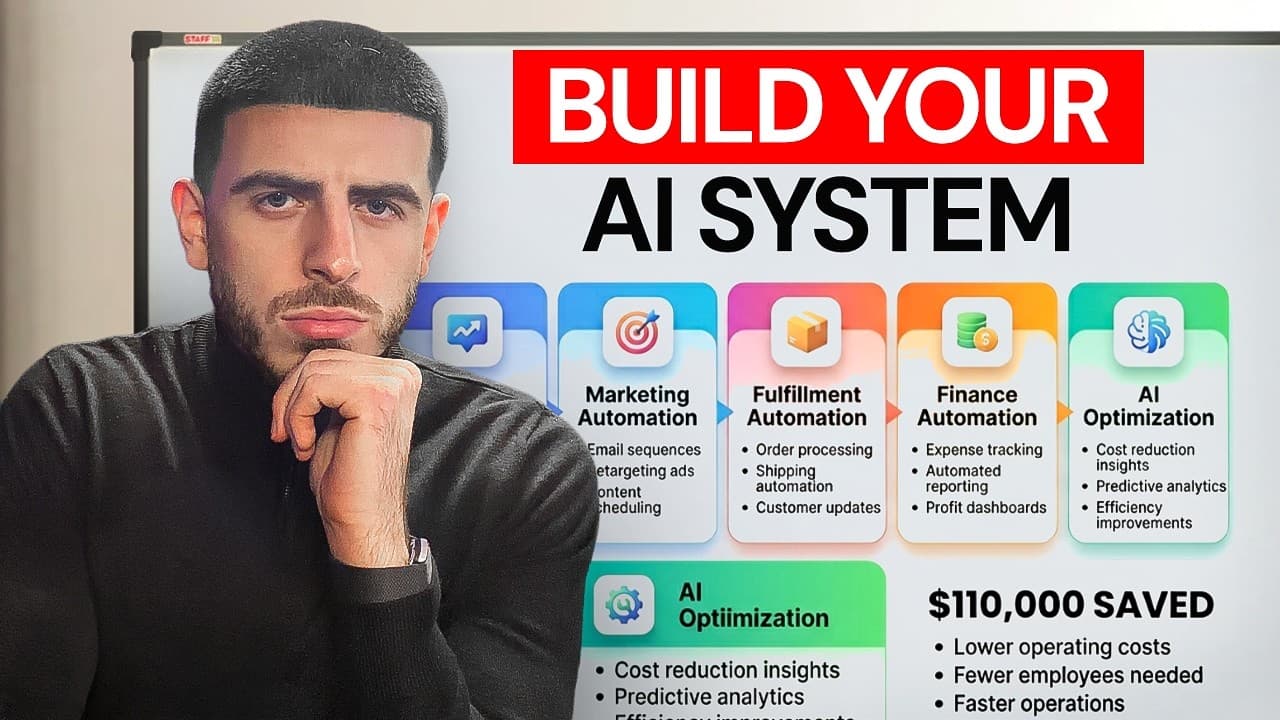
The £110k Hiding in Your Own Data: a Live AI Opportunity Audit in Recruitment
We sat down with a freight-forwarding recruitment firm and ran a live AI audit on the data they already owned: their LinkedIn network, their inbox, and a CRM full of candidates nobody had spoken to in over a year. Running that data through AI surfaced £110k of dormant pipeline they'd forgotten about, and showed that 30 to 40% of the team's week was going on admin a machine could do. The lesson for any service business is simple: the cheapest growth you have isn't a new lead, it's the data sitting idle in the tools you already pay for.
Read more
The AI Toolkit: Which AI Tools to Use in Your Business, and When
Stop asking which AI tool is best and start asking which tool for which job. An AI tool is a tool (brilliant at some things, useless at others), so you hire it for a defined job rather than collecting subscriptions. Sort every tool into six buckets (everyday AI, search and synthesis, a creative studio, autonomous agents, smart assets, and automation), hold one per bucket, and you've covered most of what a business does day to day.
Read more